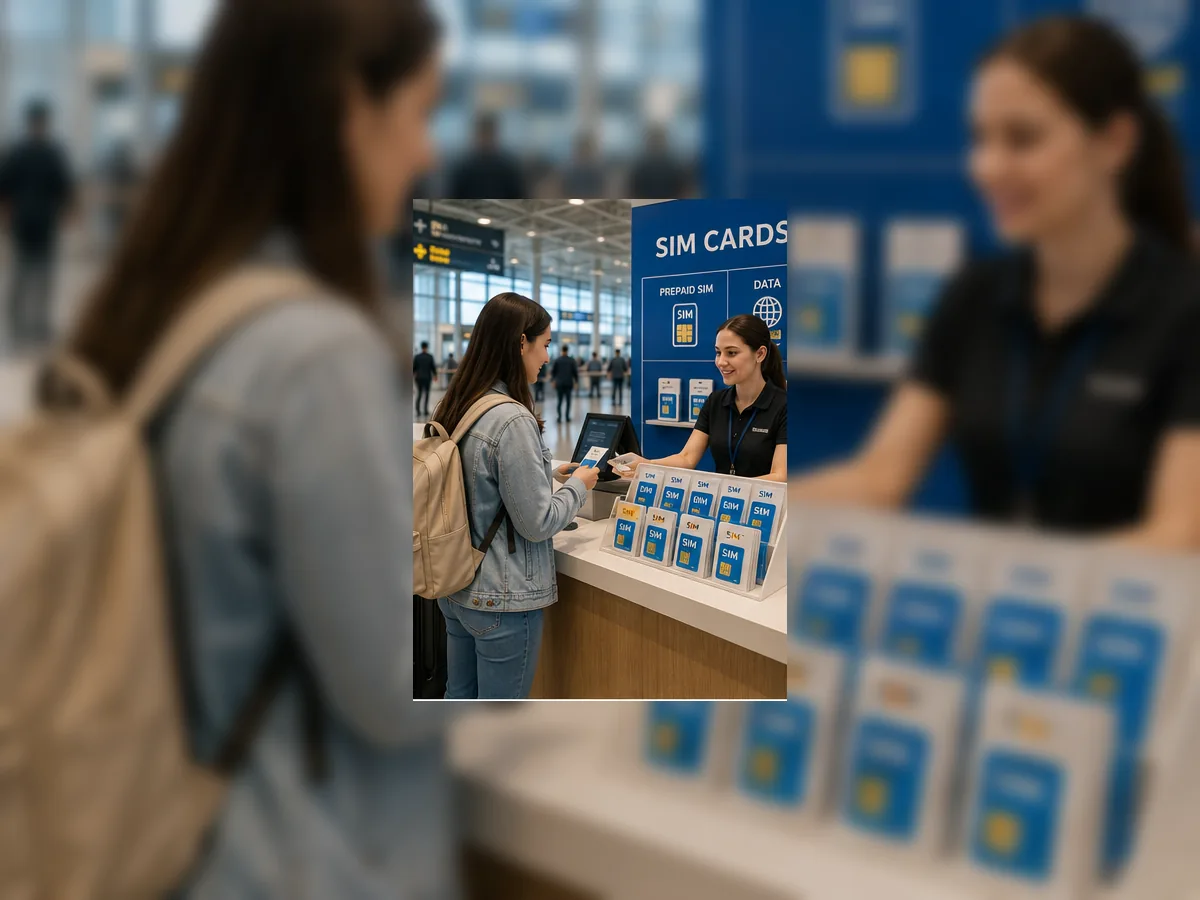
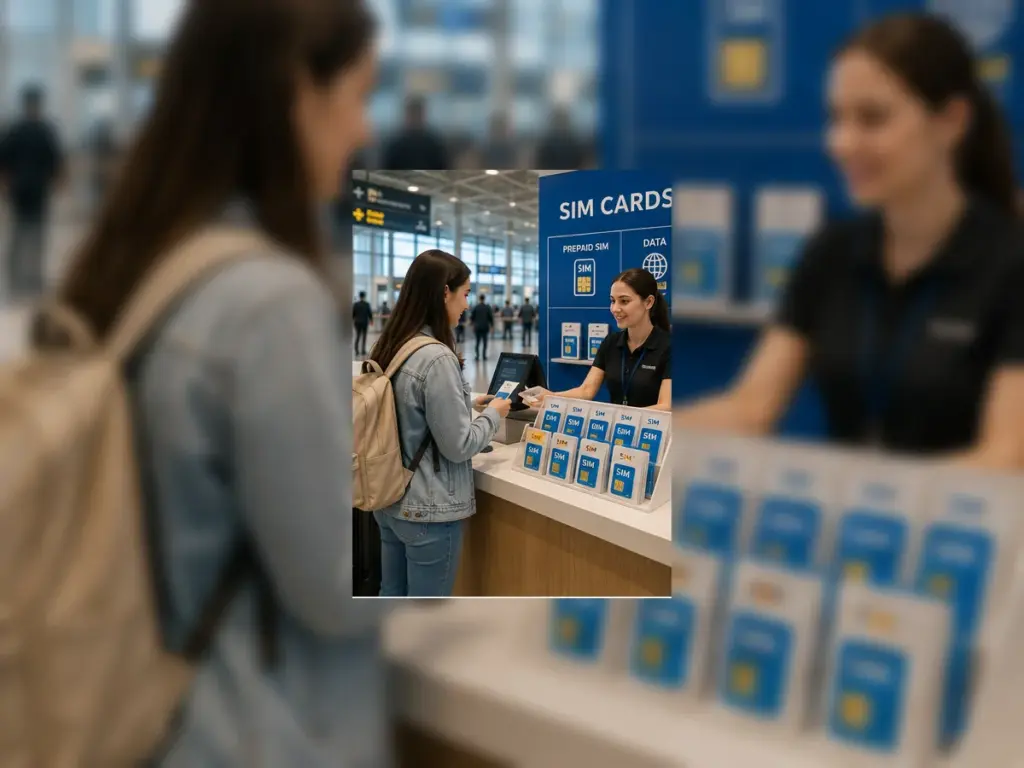
BER Airport SIM cards are important for travellers who want mobile data immediately after landing in Berlin. A working connection can help with maps, hotel messages, ride apps, train times, transfer contact, boarding passes, translation, payment verification and family updates. The best choice is not always a physical SIM card bought after arrival. For many passengers, an eSIM prepared before landing is easier.
This BER Airport SIM Cards guide explains how to plan mobile data at Berlin Brandenburg Airport, including eSIM, physical SIM cards, Terminal 1 arrivals, airport shops and services, Wi-Fi, late arrivals, early departures, payment, luggage, families, business travellers, taxi, public transport and private transfers.
Important: SIM card availability, eSIM offers, shop opening hours, ID requirements, activation rules, prices, roaming conditions and airport service locations can change. Always check your phone compatibility and mobile data plan before travel.
BER Airport SIM cards at a glance
- Airport: Berlin Brandenburg Airport Willy Brandt
- IATA code: BER
- Main arrival area: Terminal 1 arrivals on Level E0
- Useful options: eSIM, physical SIM cards, roaming and airport Wi-Fi
- Official airport context: eSIM can be arranged digitally, while selected airport service points may list SIM cards
- Late-arrival warning: do not rely on buying a physical SIM card late at night
- Best rule: prepare mobile data before landing if you need maps, hotel transfer or ride app access immediately
Can you buy a SIM card at BER Airport?
SIM card availability at BER should be treated as a practical service, not as a guaranteed full telecom shop experience. Official airport service listings can include SIM cards at selected locations, and the airport also promotes eSIM as a digital option for travellers who want mobile internet without swapping a physical card.
For travellers, the safest plan is to arrange eSIM or roaming before arrival, then use airport Wi-Fi as backup. Buying a physical SIM card after landing can work, but it depends on shop location, opening time, stock, ID requirements, activation and phone compatibility.
For airport shopping and service orientation, see BER Airport Shopping Guide and BER Airport Facilities Guide.
eSIM at BER Airport
An eSIM can be the easiest way to get online after landing at BER. It avoids the need to remove your physical SIM card, search for a shop, compare prepaid packages, or wait for activation in the terminal.
Before relying on eSIM, check that your phone supports eSIM, that it is unlocked, and that you understand how to install the plan. It is better to set up the eSIM before the flight or while connected to reliable Wi-Fi, not while standing in the arrivals hall with luggage.
Physical SIM card at BER Airport
A physical SIM card can be useful if your phone does not support eSIM or if you prefer a traditional prepaid SIM. The main limitation is that you must find a suitable shop or service point, and the opening time must match your arrival.
Physical SIM cards may also require identification, registration or activation. This can take time after baggage claim, especially if the traveller is tired, the arrival is late or a driver is waiting.
SIM card planning before arrival
The best SIM card plan is made before the flight. Check your current roaming plan, eSIM compatibility, phone lock status, payment method and whether you need German or EU mobile data only for a few days or for a longer stay.
If you need mobile internet for hotel transfer, navigation or ride app pickup immediately after landing, do not wait until you are at the airport to decide.
SIM cards and airport Wi-Fi
Airport Wi-Fi can help you get online temporarily while you activate eSIM, message your hotel, contact a driver, check train times or open a ride app. It is a useful backup, but it should not be your only plan if you need reliable mobile data after leaving the terminal.
Use Wi-Fi to download maps, save hotel address, confirm transfer instructions and check your phone settings before you leave the airport.
For airport connectivity, see BER Airport Wi-Fi Guide.
SIM cards after landing at Terminal 1
Terminal 1 is the main reference point for arrivals, airport services, taxi ranks, ride app pickup, the airport train station and Airport City hotels. If you arrive at Terminal 1 and need a SIM card, first complete passport control, baggage claim and customs if required.
After arrival, decide whether you need mobile data immediately or whether Wi-Fi is enough until you reach your hotel. If a transfer is waiting, do not delay the pickup without updating the driver.
For Terminal 1 orientation, see BER Airport Terminal 1 Guide.
SIM cards after landing at Terminal 2
Terminal 2 passengers should allow extra walking time when reaching Terminal 1-side services, transport areas or Airport City. If the SIM card or service point you need is not directly in Terminal 2, this walking time can matter.
With luggage, children or late arrival, it may be better to use airport Wi-Fi temporarily and arrange mobile data after reaching the hotel.
For Terminal 2 orientation, see BER Airport Terminal 2 Guide and BER Terminal 1 vs Terminal 2.
SIM cards and the Market Place
The Market Place is the central after-security area in Terminal 1. It is mainly relevant for departing passengers, not arriving passengers who need mobile data after landing.
If you are departing and need travel accessories, snacks or last-minute services, the Market Place can be useful after security. If you are arriving, focus on public arrivals areas, Wi-Fi and your hotel or transport plan.
For shopping context, see BER Airport Shopping Guide and BER Airport Duty Free Guide.
SIM cards before departure
Departing passengers may need a SIM card or eSIM for the next country. If you are leaving Germany, check whether your plan works at the destination. Buying or activating mobile data before security is usually easier than trying to solve it near the gate.
Before departure, check your phone, roaming plan, charger, payment method and boarding pass. Do not let SIM card setup delay security, passport control or boarding.
For departure planning, see BER Airport Departures Guide and BER Airport Check-in Guide.
SIM cards for late arrivals
Late arrivals are the riskiest time to rely on buying a physical SIM card. Shops and service points may be closed, and passengers may be tired after baggage claim. If mobile data is important, arrange eSIM, roaming or offline maps before landing.
For late arrivals, airport Wi-Fi can help with the first steps, but it may not support the full journey once you leave the terminal.
For late arrival planning, see BER Airport Hotels for Late Arrivals, Late-Night Arrival at BER Airport and BER Airport Night Transport.
SIM cards for early departures
Before an early departure, do not leave mobile data setup until the last minute. If you need a new eSIM for the next country, install and test it before reaching the airport.
Early morning is not ideal for troubleshooting phone settings, payment verification or activation problems. Prepare before sleeping if you stay at an airport hotel.
For early flight planning, see BER Airport Hotels for Early Flights and BER Airport Early Morning Transport.
SIM cards and baggage claim
Baggage claim is not the best place to solve mobile data problems unless you need to message someone urgently. Collect your bags first, then use Wi-Fi or mobile data to update the hotel, driver or family.
If a bag is delayed, mobile data becomes more important because you may need to contact the airline, hotel or transfer provider.
For baggage planning, see BER Airport Baggage Claim Guide and BER Airport Lost Luggage Guide.
SIM cards and passport control
Passport control can delay the moment when travellers reach public arrivals and transport. If someone is waiting for you, do not rely on landing time alone. Use Wi-Fi or mobile data after controls to update your real exit time.
For non-Schengen arrivals, mobile data can help with translation, hotel details and transfer contact after the border process is complete.
For border planning, see Passport Control at BER Airport and EES and ETIAS at BER Airport.
SIM cards and customs
Customs can delay the trip from aircraft to public arrivals. This matters when a driver, hotel shuttle or family member is waiting. Mobile data helps if you need to update the pickup time after customs.
Travellers carrying business equipment, goods or several bags should allow extra time before expecting to leave the airport.
For customs planning, see BER Airport Customs Guide.
SIM cards and airport food
Mobile data is useful for checking opening hours, payment apps, hotel messages and transfer timing while buying food or drinks at the airport. Terminal 1 has the strongest food and service selection, including the Food Court and Market Place areas.
If you arrive late and need food, use Wi-Fi or mobile data to check whether your transfer can wait before stopping.
For food planning, see BER Airport Food Guide, BER Airport Restaurants Guide, BER Airport Cafes Guide and BER Airport Bars.
SIM cards and airport hotels
Airport hotels can reduce SIM card stress after a late arrival. If you are staying at Steigenberger Airport Hotel Berlin or IntercityHotel Berlin Airport BER, you may be able to use hotel Wi-Fi after check-in and solve mobile data the next day.
If you continue into Berlin city immediately, mobile data becomes more important for navigation, transfer messages and hotel access.
For hotel planning, see BER Airport Hotels Guide, BER Airport Hotels for Late Arrivals and BER Airport Business Hotels.
SIM cards for business travellers
Business travellers need reliable connectivity for email, calendar updates, driver messages, hotel check-in, invoices, maps, translation and meeting coordination. An eSIM or confirmed roaming plan is usually safer than buying a physical SIM card after arrival.
If a business guest or executive is arriving at BER, send them hotel address, pickup instructions and emergency contact details before the flight.
For business travel planning, see BER Airport Business Services Guide and BER Airport Transport for Business Travellers.
SIM cards for families
Families should prepare mobile data before landing. Parents may need maps, messages, ride apps, hotel details, translation, food options and child-related information while managing luggage and tired children.
Do not make children wait in the arrivals hall while comparing SIM card options unless it is absolutely necessary. Use eSIM or roaming before arrival where possible.
For family travel, see BER Airport Family Services Guide, BER Airport Family Hotels and BER Airport Transport with Children.
SIM cards for groups
Groups should decide who has working mobile data before arrival. At least one person should be able to contact the driver, hotel, organiser or other passengers.
If every passenger waits to buy a SIM card after landing, the group can lose time and split up. A shared meeting point and one connected phone are safer.
For group movement, see BER Airport Transport for Groups.
SIM cards and taxi from BER
Taxi does not require mobile data in the same way as a ride app, but mobile data still helps with hotel address, route checking, translation and payment backup. The official taxi ranks are in front of Terminal 1 on Level E0.
If your phone is not connected, save the hotel address offline before landing.
For taxi planning, see BER Airport Taxi Rank Guide.
SIM cards and private transfer from BER
app-based ride services require reliable mobile data or Wi-Fi at the pickup stage. If your phone cannot connect after leaving the terminal, booking a ride app can become difficult.
For ride app travel, prepare eSIM, roaming or airport Wi-Fi before walking to the pickup point.
For ride app planning, see BER Airport Taxi Rank Guide.
SIM cards and private transfer
A private transfer reduces the need to search for transport after landing, but mobile data is still useful for driver messages, flight delays, pickup instructions and hotel updates.
If you do not have mobile data, save your transfer confirmation and pickup details offline before the flight.
For planned airport transport, see Airport Transfers from BER Airport, Transfer from BER Airport and Transfer to BER Airport.
SIM cards and train travel
The airport train station is under Terminal 1 on level U2. Mobile data is useful for train times, platform information, route changes, hotel navigation and ticket checks.
If you plan to use train after arrival, download the route and hotel address before leaving the airport Wi-Fi zone.
For rail planning, see BER Airport Train Guide and BER Airport Train Station Guide.
SIM cards and public transport
Public transport is easier with mobile data because timetables, disruptions and walking directions can change. Airport Express, regional trains, S-Bahn and buses can all be affected by time of day and destination.
If you are arriving late, do not rely only on memory. Save the route before landing or use airport Wi-Fi before leaving.
For public transport planning, see BER Airport Public Transport Guide, BER Airport Bus Guide, FEX Airport Express at BER Airport, BER Airport Regional Trains and BER Airport S-Bahn Guide.
SIM cards and car rental
Car rental is easier with mobile data because drivers may need maps, fuel stations, hotel directions, parking information and emergency contact. If you plan to rent a car at or near BER, arrange mobile data before driving away.
Do not depend on airport Wi-Fi once you leave the terminal or parking area.
For rental planning, see BER Airport Car Rental Guide.
SIM cards and parking
Parking information, booking confirmations, QR codes, navigation and payment may require mobile access. Save parking documents offline before travelling.
If someone is picking you up, mobile data helps coordinate timing after baggage claim and customs, especially if the flight is delayed.
For parking and pickup planning, see BER Airport Parking Guide, BER Airport Kiss & Fly Guide, BER Airport Pick-up Areas and BER Airport Drop-off Areas.
SIM cards and flight delays
Flight delays make mobile data more important. Passengers may need to message hotels, drivers, family, business contacts or airlines. They may also need to change transfers, check food options or book an airport hotel.
If your flight is delayed before departure, use the time to confirm mobile data before landing.
For disruption planning, see BER Airport Flight Delays Guide and BER Airport Flight Status Guide.
SIM cards and cancellations
If a flight is cancelled, mobile data helps with rebooking, hotel communication, transport changes and family updates. Airport Wi-Fi can help inside the terminal, but mobile data is better once you leave the building.
Save booking references, airline messages and hotel details offline if the situation becomes unstable.
For cancellation planning, see BER Airport Flight Cancellations Guide.
SIM cards and accessibility
Passengers with reduced mobility may need mobile data for assistance messages, transfer coordination, hotel communication and route planning. Do not wait until arrival to solve connectivity if assistance depends on phone contact.
Prepare eSIM, roaming or emergency contact details before the flight.
For accessible travel, see BER Airport Accessibility Guide.
SIM cards and payment
Some SIM card or eSIM purchases require online payment, identity checks or banking verification. This can be difficult if your phone is not connected or if your bank requires SMS confirmation on another number.
Before travelling, check whether your payment method works abroad and whether your phone can receive verification messages.
For airport money planning, see BER Airport ATMs Guide and BER Airport Currency Exchange Guide.
SIM card mistakes to avoid
- Arriving late and assuming a physical SIM card shop will be open.
- Forgetting to check whether your phone supports eSIM.
- Buying an eSIM but not installing it before travel.
- Relying on airport Wi-Fi after leaving the terminal.
- Not saving hotel address, pickup details and maps offline.
- Standing in the arrivals hall comparing plans while a driver is waiting.
- Forgetting bank verification or identity requirements.
- Assuming Terminal 2 has the same service choice as Terminal 1.
Best plan for mobile data at BER
- Check your roaming plan before the trip.
- Use eSIM if your phone supports it and you need quick internet after landing.
- Use airport Wi-Fi as backup, not as the whole plan.
- Consider physical SIM only if shop timing and activation are practical.
- Save hotel address, transfer details and maps offline.
- Make sure at least one person in a family or group has working mobile data.
- Prepare payment and identity documents if buying a SIM card in person.
- Use online booking if fixed airport transfer is safer than arranging ride apps after landing.
FAQ
Can I buy a SIM card at BER Airport?
Selected airport service listings can include SIM cards, but availability depends on location, opening hours, stock and activation rules. Prepare eSIM or roaming before arrival if mobile data is important.
Is eSIM better than a physical SIM at BER?
For many travellers, yes. eSIM can be arranged digitally and avoids searching for a physical SIM card after landing, as long as the phone supports eSIM and is unlocked.
Can I use airport Wi-Fi instead of a SIM card?
Airport Wi-Fi can help inside the terminal, but it is not a full replacement for mobile data after leaving BER. Use it as backup for activation, messages and route checks.
Do I need mobile data for private transfer at BER?
Yes, ride apps require reliable connection at the pickup stage. Prepare eSIM, roaming or airport Wi-Fi before walking to the ride app pickup point.
What should I do if I arrive late without mobile data?
Use airport Wi-Fi in the terminal, save your hotel address, contact your driver or hotel, and choose a simple transport option such as taxi or pre-arranged transfer if ride app access is difficult.
Plan your BER SIM card and transfer before arrival
Mobile data at BER is easiest when eSIM, roaming, Wi-Fi, hotel details and transport are planned before the flight. For travellers who prefer fixed pickup details, luggage space and door-to-door travel after arrival, use online booking to arrange a BER airport transfer in advance.